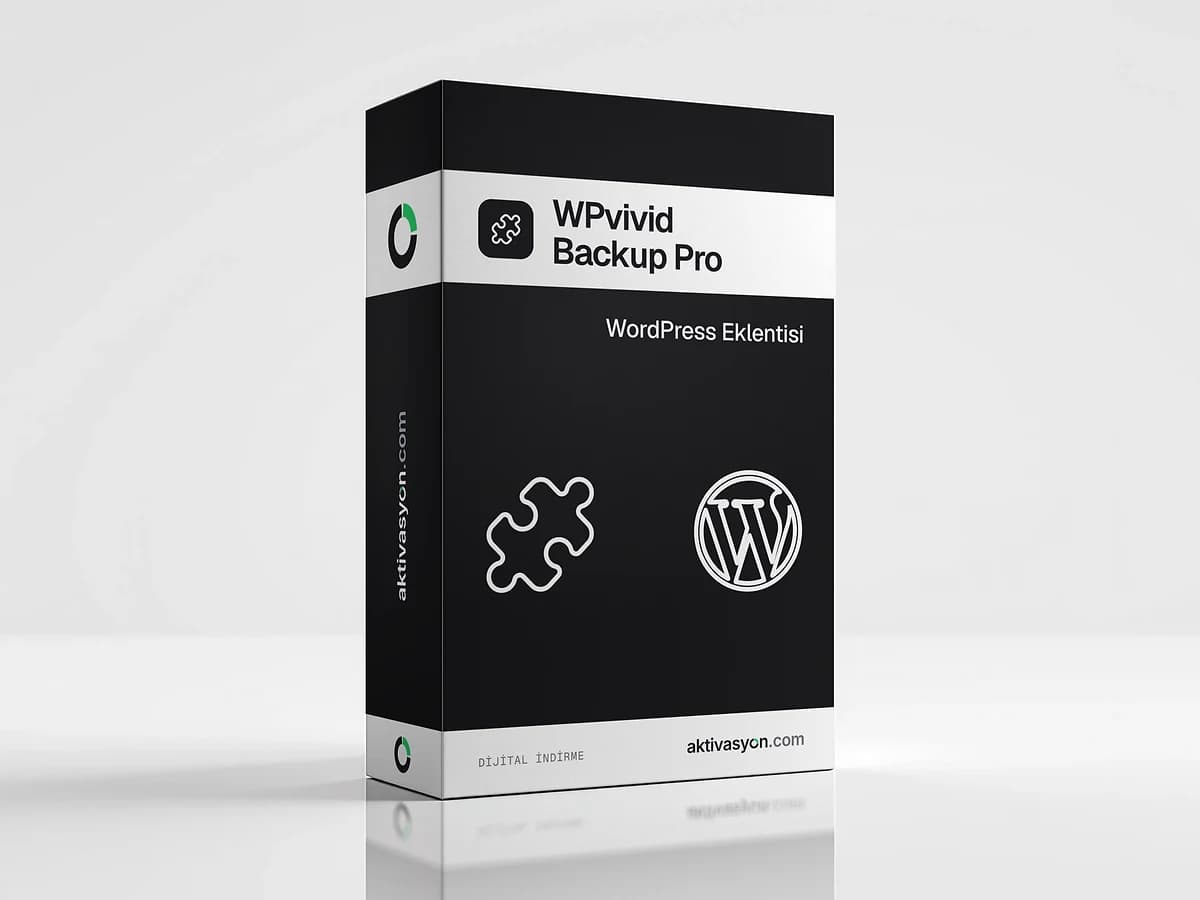
WPvivid Backup Pro
WPvivid Backup Pro adds incremental backups, cloud storage, staging and migration. A license with no time limit, installed on one WordPress site.
This product is prepared for your order and is usually delivered within 5-60 minutes. We email you when it is ready.
At checkout we will ask for your WordPress site address and a temporary administrator account.
- Installed on your site with a license
- We email you when the setup is done
- Out of stock
About this license
WPvivid Backup Pro is a backup, restore, migration and staging plugin for WordPress. It runs on top of the free WPvivid plugin and adds more flexible backup rules, extra cloud storage options and advanced staging features. It suits anyone who wants regular backups, needs to move a site to another server or prefers to test updates on a copy first.
Key features
Backups
- Incremental backups: after the first full backup, only changed files are saved
- Choose what goes into a backup, with rules to exclude files and folders
- Back up non-WordPress files and additional databases
- Multiple schedules, advanced retention rules and database backup encryption
- Automatic backups before updates, plus rollback for core, themes and plugins
Cloud storage
On top of Dropbox, Google Drive, Amazon S3, OneDrive, DigitalOcean Spaces, FTP and SFTP from the free version, Pro adds WebDAV, S3-compatible storage, Wasabi, pCloud and Backblaze.
Migration and staging
- Migrate a site through cloud storage, with crash protection during migration
- Multiple staging sites and installation to a subdomain
- Push changes from a staging site to the live site
- Multisite backup and restore, and turning a child site into a single install
Management
User roles and capabilities, white labeling and advanced email notifications.
Why it matters
After a bad update, a hack or a hosting failure, a recent backup gets your site back in minutes. After a migration, WP Rocket helps keep the site fast.
License and installation
The Lifetime · 1 site option is a license with no time limit for one WordPress site. You do not receive a license key. WPvivid Backup Pro is installed and activated directly on your site instead, so checkout asks for the site address and an administrator's username and password. Setup for this prepared delivery usually takes 5 to 60 minutes, and you are notified by email when it is complete.
Make sure the login works before you submit the details. Use a temporary administrator for the setup, then delete it or change its password.
Other plugins are in the WordPress plugins category, and all WordPress products are in the Web and WordPress category.
How to activate
- In your WordPress dashboard, go to Users → Add New, create a temporary account with the Administrator role and log in with it once to confirm the details.
- At checkout, enter the site address and the temporary account's username and password.
- Once the setup email arrives, set a backup schedule from the WPvivid Backup menu, connect your cloud storage and run the first full backup.
- Delete the temporary administrator or change its password.
Frequently asked questions
What is the difference between free WPvivid and Pro?
The free version offers full backups, basic scheduling and migration. Pro adds incremental backups, choosing what to back up, more cloud storage, multiple staging sites and push to live.
Where are backups stored?
Backups are kept on your server or in the cloud storage you connect. Keeping at least one copy in the cloud protects you against a server failure.
Can I move my site to another server?
Yes. You can migrate the site to a new server or domain directly or through cloud storage. The license is installed on one site, so contact us through your order if your domain changes.
What does lifetime mean here?
The license has no end date. It is installed on one WordPress site and used there with no time limit.
How long does delivery take?
It is a prepared delivery. The free plugin and Pro are usually installed within 5 to 60 minutes and you get an email when it is done.
Similar products
 Out of stock
Templately Pro
$14.99 Out of stock
Better Payment Pro
$7.99 Out of stock
Essential Blocks Pro
$6.99 Out of stock
EmbedPress Pro
$7.99 Out of stock
BetterDocs Pro
$7.99 Out of stock
Essential Addons for Elementor Pro
$7.99 Out of stock
SchedulePress Pro
$7.99 Out of stock
NotificationX Pro
$7.99 Out of stock
JetFormBuilder Pro
$12.99 Out of stock
Ultimate Addons for Beaver Builder
$7.99