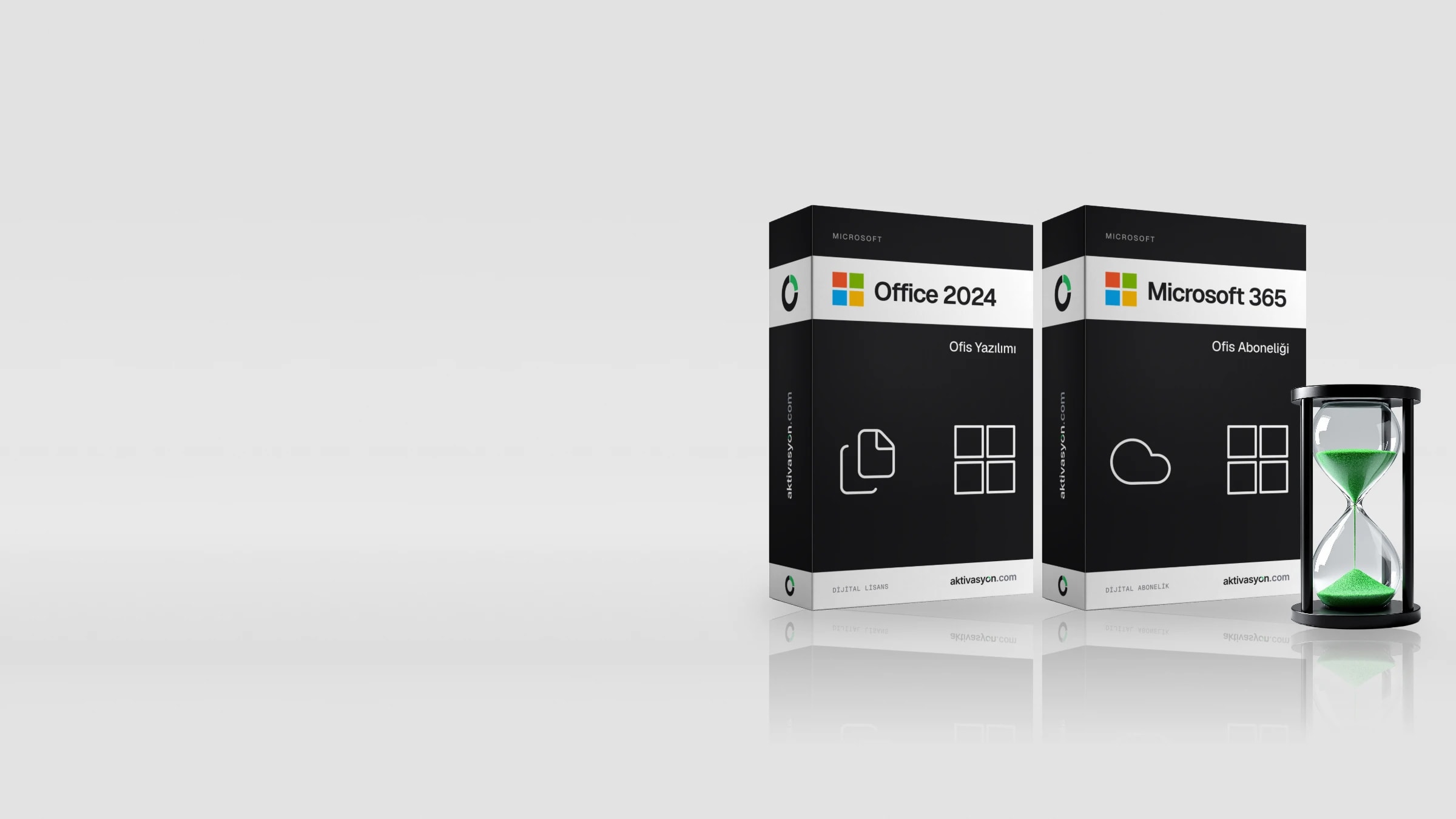
Office 2024 vs Office 2021 vs Microsoft 365: Which Should You Buy?
One-time Office or a subscription? We compare Office 2024, Office 2021 and Microsoft 365 on apps, support dates, price and the way you actually use Office.
On this page
Quick answer: Buy Office 2024 if you use Office on one PC and don't want a subscription. It's supported until October 2029. Choose Microsoft 365 if you want the newest apps, 1 TB of OneDrive storage, Copilot and Office on your phone, tablet and Mac as well. Skip Office 2021 unless you need Publisher or an older setup requires it: its support ended on October 13, 2026.
The real difference is how you pay. A one-time Office license is paid once and stays as it was installed. Microsoft 365 is renewed every year and keeps improving. Here is how the three compare.
Office 2024 vs 2021 vs Microsoft 365 at a Glance
| Feature | Office 2024 | Office 2021 | Microsoft 365 |
|---|---|---|---|
| Payment | One-time | One-time | Monthly or yearly subscription |
| Microsoft support | Until October 9, 2029 | Ended October 13, 2026 | As long as you subscribe |
| New features | No, security updates only | No, and no more security updates | Yes, continuously |
| Devices | One PC | One PC | PC, Mac, phone and tablet |
| Cloud storage | None | None | 1 TB OneDrive per person (Personal and Family) |
| Copilot AI | No | No | Yes, with plan-based limits |
| Publisher | Not included | Included in Professional Plus | Removed in October 2026 |
Office 2024: The Best One-Time Purchase Today
Office 2024 is the newest perpetual release, out since October 2024. It includes Word, Excel, PowerPoint, Outlook and OneNote, and you activate it once.
What's new compared with Office 2021:
- New Excel text and array functions such as
IMAGE,TEXTSPLITandVSTACK, and charts that update with dynamic arrays. - A refreshed Office look, better dark mode and accessibility improvements.
- Security updates until October 2029, about three more years of support.
Microsoft sells Office Home 2024 for $179.99 as a one-time purchase in the US.
Best for: home, school and small office users who work on one computer, want Office to run without a constant internet connection and don't want another yearly bill.
Office 2021: Still Works, No Longer Supported
Office 2021 was the previous perpetual release. Its Professional Plus edition includes Word, Excel, PowerPoint, Outlook, OneNote, Access and Publisher.
Microsoft ended support for Office 2021 on October 13, 2026. Your copy keeps working and your files open as usual, but there are no more security fixes. That matters most if you use Outlook for email on a PC that's always online.
Best for: people who still rely on Publisher, PCs where a business app requires Office 2021, and short-term use on a tight budget.
Microsoft 365: Always Current
Microsoft 365 is a subscription. While you pay, you always have the latest Word, Excel, PowerPoint, Outlook and OneNote.
What the subscription adds:
- 1 TB of OneDrive storage per person.
- Office on Windows, Mac, iPhone, iPad and Android at the same time.
- New features as they ship, plus Copilot with plan-based usage limits.
- Sharing with up to six people on the Family plan.
US list prices are $99.99 a year for Microsoft 365 Personal, $129.99 a year for Family and $199.99 a year for Premium. If you stop paying, the apps switch to read-only mode: you can open files but not edit them.
Best for: people who work across several devices, keep files in the cloud, use a Mac, or share Office with family.
Office 2024 vs Microsoft 365: Which Costs Less Over Time?
At US list prices, Office Home 2024 costs $179.99 once, and Microsoft 365 Personal costs $99.99 every year. By the end of the second year the one-time license is already cheaper, and the gap grows each year until Office 2024 support ends in 2029.
The subscription earns its price only if you use what comes with it. If you would otherwise pay for cloud storage, need Office on a Mac and a phone, or share it with family, Microsoft 365 can be the better deal. If you just write documents and build spreadsheets on one PC, a one-time license wins.
Which One Should You Buy?
| Your situation | Our pick |
|---|---|
| One PC, no subscription | Office 2024 |
| You use Publisher or need to match an older setup | Office 2021 |
| You work on a phone, tablet and PC with the same files | Microsoft 365 |
| You use a Mac | Microsoft 365 |
| An older PC that only needs Word and Excel | Office 2019 or Office 2024 |
You can compare every one-time release on the Microsoft Office page. Once you have a key, our guide on how to activate Microsoft Office walks you through setup.
Frequently asked questions
What is the difference between Office 2021 and Office 2024?
Office 2024 adds newer Excel functions and a refreshed design, and it's supported until October 2029. Office 2021 support ended on October 13, 2026. Office 2021 Professional Plus includes Publisher, which Office 2024 doesn't.
Is Office 2021 still supported?
No. Microsoft ended support on October 13, 2026. Office 2021 keeps working, but it no longer receives security updates, so Office 2024 or Microsoft 365 is the safer choice for a PC that's online every day.
Is Microsoft 365 a one-time purchase?
No. Microsoft 365 is a monthly or yearly subscription. For a one-time purchase, look at Office 2024.
Does Office 2024 work on a Mac?
The Office 2024 license in our store is for Windows. On a Mac you need a Microsoft 365 subscription or Microsoft's Office Home 2024 for Mac.
What happens to my files if my Microsoft 365 subscription ends?
Files on your computer stay where they are. The apps switch to read-only mode, so you can open and print documents but not edit them. If your OneDrive is over the free storage limit, it eventually becomes read-only too.
How many computers can I use Office 2024 on?
One Office 2024 license covers one computer. To use Office on several devices, Microsoft 365 is the better fit.