 Microsoft
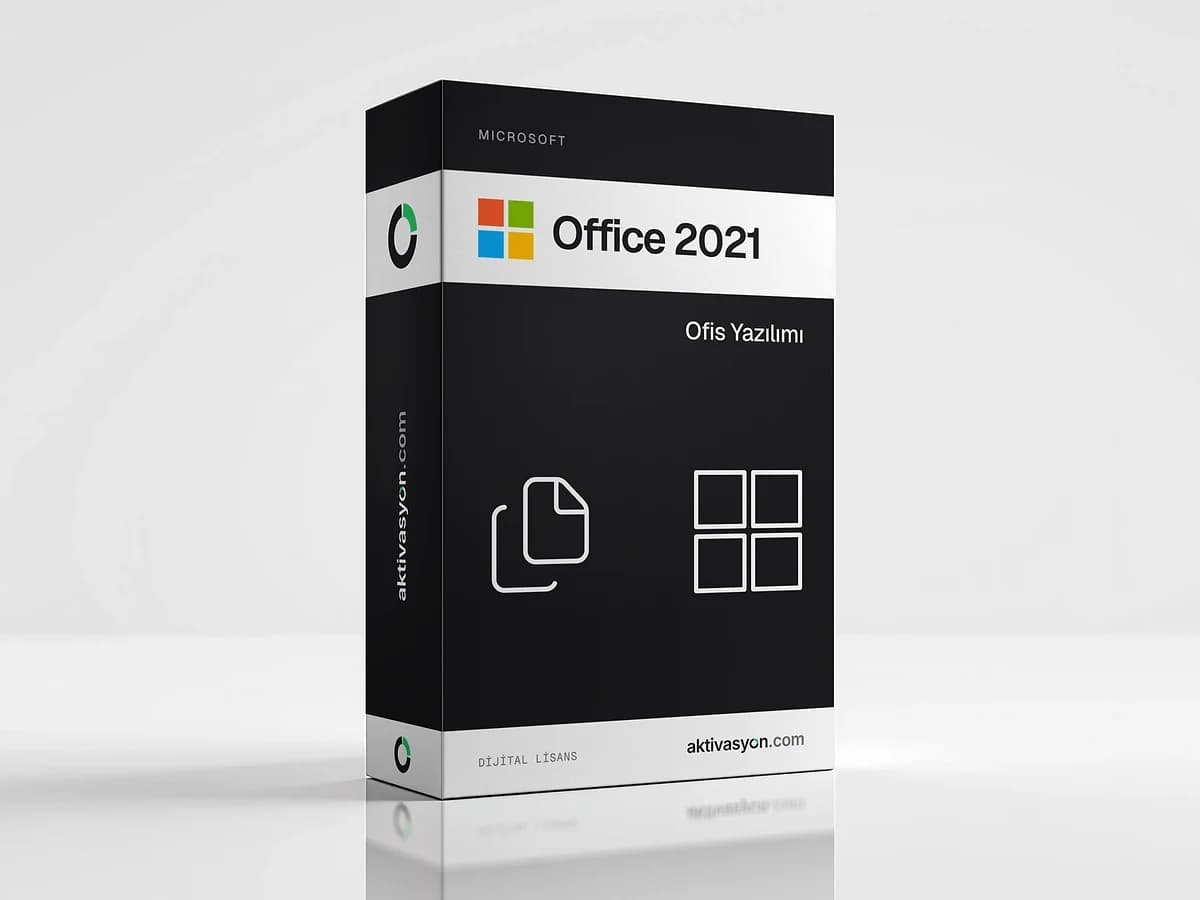
Office 2021
Office 2021 with Word, Excel, PowerPoint, Outlook, OneNote, Access and Publisher. No subscription, a perpetual license key for one Windows PC.
This product is prepared for your order and is usually delivered within 5-60 minutes. We email you when it is ready.
- The product key is delivered digitally to your account
- Activates on the official activation servers
- Out of stock
About this license
Office 2021 is the desktop Office suite with Word, Excel, PowerPoint, Outlook, OneNote, Access and Publisher. The Professional Plus release from October 2021. Microsoft ended Office 2021 support in October 2026, so it no longer receives security updates. For long-term use, Office 2024 is the better choice.
What is in the suite?
Word, Excel, PowerPoint, Outlook, OneNote, Access and Publisher install on your computer and work without an internet connection. There is no monthly or yearly fee, the license is activated once. Office 2021 is for Windows only and does not run on a Mac.
Highlights of the 2021 release
- XLOOKUP, the LET function and dynamic arrays in Excel
- Co-authoring and Dark Mode improvements in Word, Excel and PowerPoint
- A recording tool and new inking tools in PowerPoint
- Instant search and translation in Outlook
It fits when your workflow depends on Office 2021 file behavior or add-ins.
Perpetual license or Microsoft 365?
A perpetual Office stays as installed and does not get new features. If you want always up-to-date apps, cloud storage and use on several devices, look at a Microsoft 365 subscription. Other perpetual releases: Office 2024, Office 2019, Office 2016.
License and delivery
- The key activates once on a single Windows PC. It cannot be reused after a clean reinstall of Windows.
- Activation runs through the telephone activation step, explained below and in your delivery note.
- Use the key within 12 hours of delivery.
- Each option shows its delivery type: automatic delivery arrives as soon as payment is confirmed, and prepared delivery usually takes 5 to 60 minutes.
See every release in the Microsoft Office category.
How to activate
- Uninstall any other Office version from Settings → Apps.
- Open the setup file linked in your delivery note and finish installing Office.
- Open Word and enter the product key from your order in the activation window.
- Choose activate by telephone, then follow the steps in your delivery note with the installation ID on screen and enter the confirmation ID.
- Restart Word and check that File → Account shows "Product Activated".
Frequently asked questions
Does Office 2021 work on a Mac?
No. This key activates the Windows version of Office 2021. For Office on a Mac, a Microsoft 365 subscription is the right fit.
Do I need a Microsoft account?
Activation uses the product key and the telephone activation step and is not tied to a Microsoft account. You can still sign in separately if you want online services such as OneDrive.
Another Office version is already installed. What should I do?
Uninstall other Office versions before you install. Activation can fail when different versions sit side by side.
What happens to the Office license if I reinstall Windows?
The key activates once. After a clean reinstall of Windows it cannot activate again.
When does the key arrive and how soon should I use it?
With automatic delivery it is delivered digitally to your order as soon as payment is confirmed. Prepared delivery usually takes 5 to 60 minutes. Activate the key within 12 hours of delivery.
Similar products
 Out of stock
Microsoft
Office 2024
$2.99 Out of stock
Microsoft
Office 2016
$2.99 Out of stock
Microsoft
Office 2019
$2.99 Out of stock
Microsoft
Microsoft 365
$2.99 Out of stock
Microsoft
Visio Professional
$7.99 Out of stock
Google
Google Gemini Pro
$2.99 Out of stock
OpenAI
ChatGPT Plus
$2.99 Out of stock
Canva
Canva Pro
$2.99 Out of stock
Kaspersky
Kaspersky Premium
$5.99 Out of stock
Microsoft
Windows Server 2025
$19.99