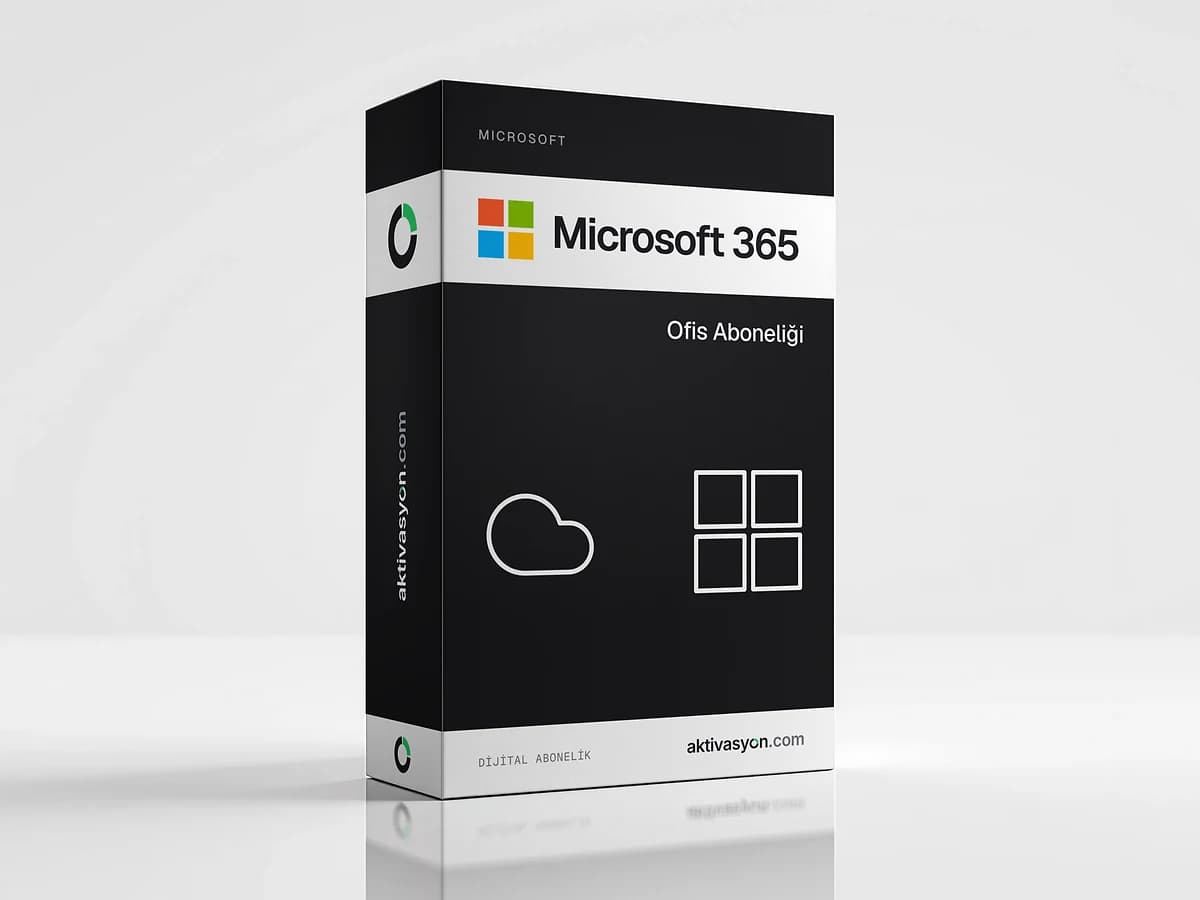
 Microsoft
 365
A one-year Microsoft 365 account with always up-to-date Word, Excel, PowerPoint and Outlook plus OneDrive. Shared and personal options.
Once payment is confirmed, your key or account details are delivered to the order in your account automatically.
- Account details are delivered digitally to your account
- We help if anything goes wrong on first sign-in
- Out of stock
About this license
Microsoft 365 is the subscription that gives you always up-to-date desktop versions of Word, Excel, PowerPoint, Outlook and OneNote together with OneDrive cloud storage. Unlike perpetual Office, the apps keep getting new features as they ship. It works on Windows, macOS, iPhone, iPad and Android.
What is included?
- Word, Excel, PowerPoint, Outlook and OneNote desktop apps, plus their web and mobile versions
- OneDrive to store files in the cloud and sync them across devices
- Real-time co-authoring and sharing in documents
- New features and security updates for as long as the subscription runs
Shared account or personal account?
- Shared account: you get a ready-made user account (email and password) and set your own password at first sign-in. You download the apps from office.com and sign in with this account.
- Personal account: an account of your own on the Microsoft 365 E3 plan, created in your name, with 1 TB of OneDrive storage. You create it yourself by entering your first and last name with the key you receive. Microsoft 365 E3 users can install the apps on five PCs or Macs, five tablets and five phones.
With both options the account's email address is on the domain you are given, not your own Outlook or Hotmail address. We recommend keeping a separate copy of important files.
Microsoft 365 or perpetual Office?
Microsoft 365 fits when you work across several devices, on a Mac or a tablet and want to stay current. If you want to keep the same release on one Windows PC for years, a perpetual license such as Office 2024 may suit you better.
Delivery
The account details or account key are delivered digitally to your order automatically once payment is confirmed. The subscription lasts one year. More options are in the Microsoft 365 category.
How to activate
- For the shared account, sign in at office.com with the email and password in your order and set a new password if asked. For the personal account, create your account on the account setup page with the key you received by entering your first and last name.
- On office.com, click Install apps at the top right to download the Microsoft 365 apps.
- When setup finishes, open Word or Excel and sign in with the same account.
- Install the Microsoft 365 app on your phone and tablet and sign in with the same account.
Frequently asked questions
What is the difference between the shared and personal accounts?
With the shared account you get a ready-made user account and set your password at first sign-in. The personal account is an account of your own on the Microsoft 365 E3 plan, created in your name, with 1 TB of OneDrive storage.
Can it be added to my own Microsoft account?
No. The subscription runs on the Microsoft 365 account you receive or create. You sign in to the apps with that account.
Can I use it on a Mac and my phone?
Yes. The Microsoft 365 apps work on Windows, macOS, iOS and Android with the same account.
When does the subscription start and how long does it last?
The one-year term runs from when you start using the account. Details are delivered automatically once payment is confirmed, and we recommend signing in on the day of delivery.
Similar products
 Out of stock
Microsoft
Office 2021
$2.99 Out of stock
Microsoft
Office 2024
$2.99 Out of stock
Microsoft
Visio Professional
$7.99 Out of stock
Microsoft
Office 2016
$2.99 Out of stock
Microsoft
Office 2019
$2.99 Out of stock
Google
Google Gemini Pro
$2.99 Out of stock
OpenAI
ChatGPT Plus
$2.99 Out of stock
Canva
Canva Pro
$2.99 Out of stock
Kaspersky
Kaspersky Premium
$5.99 Out of stock
Microsoft
Windows Server 2025
$19.99