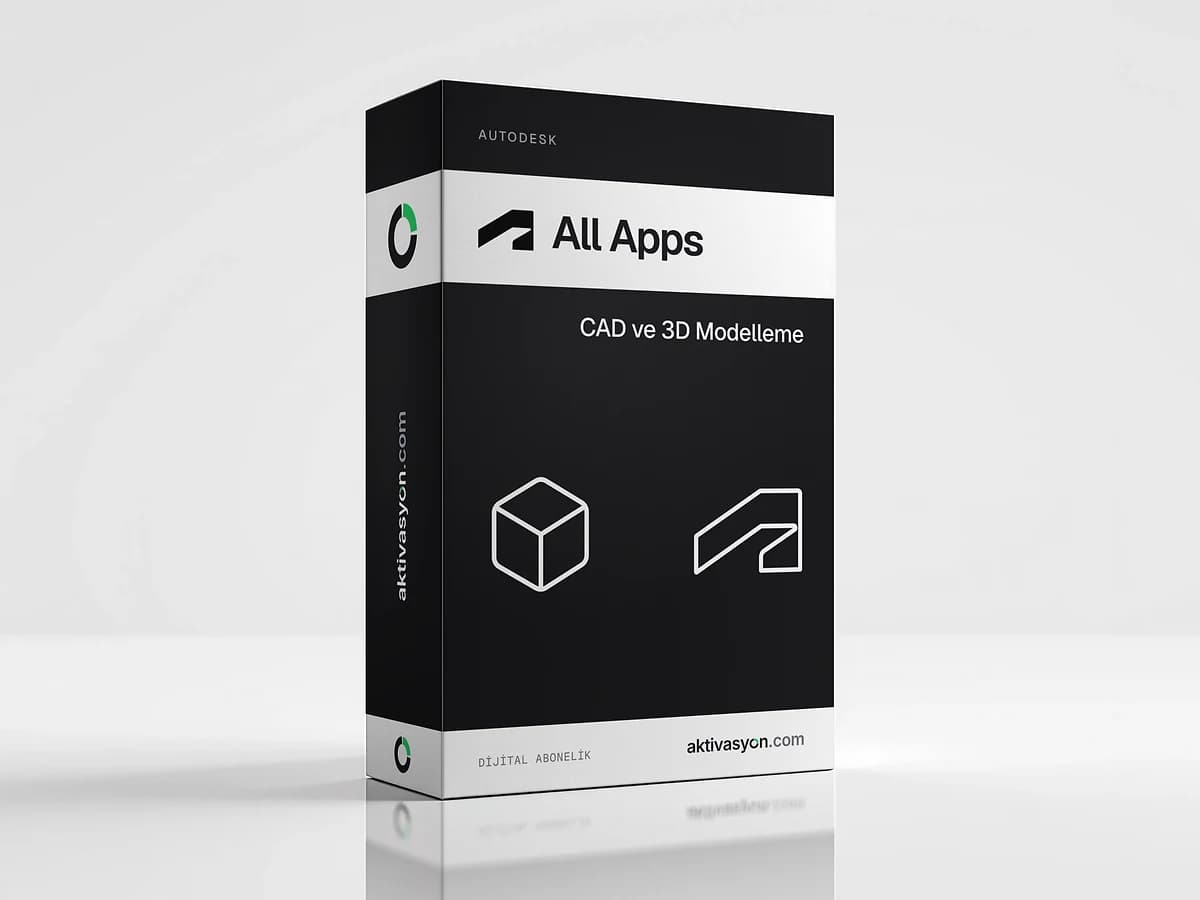
 Autodesk
 All Apps
Access to every Autodesk app, AutoCAD included. Assigned to the email address you enter at checkout, with 1-year and 3-year options.
This product is prepared for your order and is usually delivered within 5-60 minutes. We email you when it is ready.
At checkout we will ask for the email address the subscription should be added to.
- Account details are delivered digitally to your account
- We help if anything goes wrong on first sign-in
- Out of stock
About this license
Autodesk All Apps lets you use Autodesk's design and engineering apps, starting with AutoCAD, from a single Autodesk account. Architects, civil and mechanical engineers, product designers and 3D visualization and animation artists no longer have to juggle separate licenses.
Which apps can you use?
Access covers every Autodesk app, AutoCAD included. Some of the most used are:
- AutoCAD: 2D drafting and 3D modeling, with industry toolsets for architecture, electrical, MEP, mechanical and more
- Revit: BIM for architecture and building projects
- Civil 3D: infrastructure and civil engineering
- Inventor and Fusion: product design and mechanical engineering
- 3ds Max and Maya: 3D modeling, visualization and animation
- Navisworks: project review and coordination
One license or all apps?
If you only use AutoCAD, a single product may be enough. But if you draft, work in BIM and render, or switch between Autodesk tools from one project to the next, one account with every app makes life easier.
Delivery and use
Access is assigned to the email address you enter at checkout. If there is no Autodesk account for that address, create a free one with the same email. Once it is assigned, sign in to your Autodesk account and download the app you need. There are 1-year and 3-year options, and the term starts when access is assigned. Each option shows its delivery type: automatic delivery lands as soon as payment is confirmed, and prepared delivery usually takes 5 to 60 minutes.
Each app has its own system requirements. Revit, 3ds Max, Inventor and Civil 3D run on Windows only. AutoCAD, Maya and Fusion are also available on macOS.
See the CAD and 3D modeling category for other engineering software and the Autodesk brand page for every Autodesk product.
How to activate
- At checkout, enter the email address the Autodesk access should be assigned to.
- Sign in to your Autodesk account with that email, or create one with the same address.
- Open Products and services in your account.
- Pick the app you want, then download and install it.
- Open the app and sign in with the same Autodesk account.
Frequently asked questions
Is AutoCAD included?
Yes. Access covers every Autodesk app, AutoCAD included. Revit, Civil 3D, Inventor, Fusion, 3ds Max and Maya are among them.
Do I use it on my own Autodesk account?
Yes. Access is assigned to the email address you enter at checkout. If you have no Autodesk account for that address, create a free one with it.
Can I use it on a Mac?
AutoCAD, Maya and Fusion have macOS versions. Revit, 3ds Max, Inventor and Civil 3D run on Windows only.
What is the difference between 1 year and 3 years?
The app coverage is the same, only the access term changes. The term starts when access is assigned to your email.
How long does the assignment take?
With automatic delivery it is done as soon as payment is confirmed. Prepared delivery usually takes 5 to 60 minutes.
Similar products
 Out of stock
Canva
Canva Pro
$2.99 Out of stock
ByteDance
CapCut Pro
$4.99 Out of stock
Figma
Figma Professional
$15.99 Out of stock
Photoroom Pro
$2.99 Out of stock
Adobe
Adobe Express Premium
$2.99 Out of stock
UI8 Design Asset Download
$2.99 Out of stock
Creative Fabrica
$2.99 Out of stock
Adobe
Adobe Stock
$3.99 Out of stock
Freepik
Flaticon Premium
$2.99 Out of stock
Artlist
Motion Array
$2.99