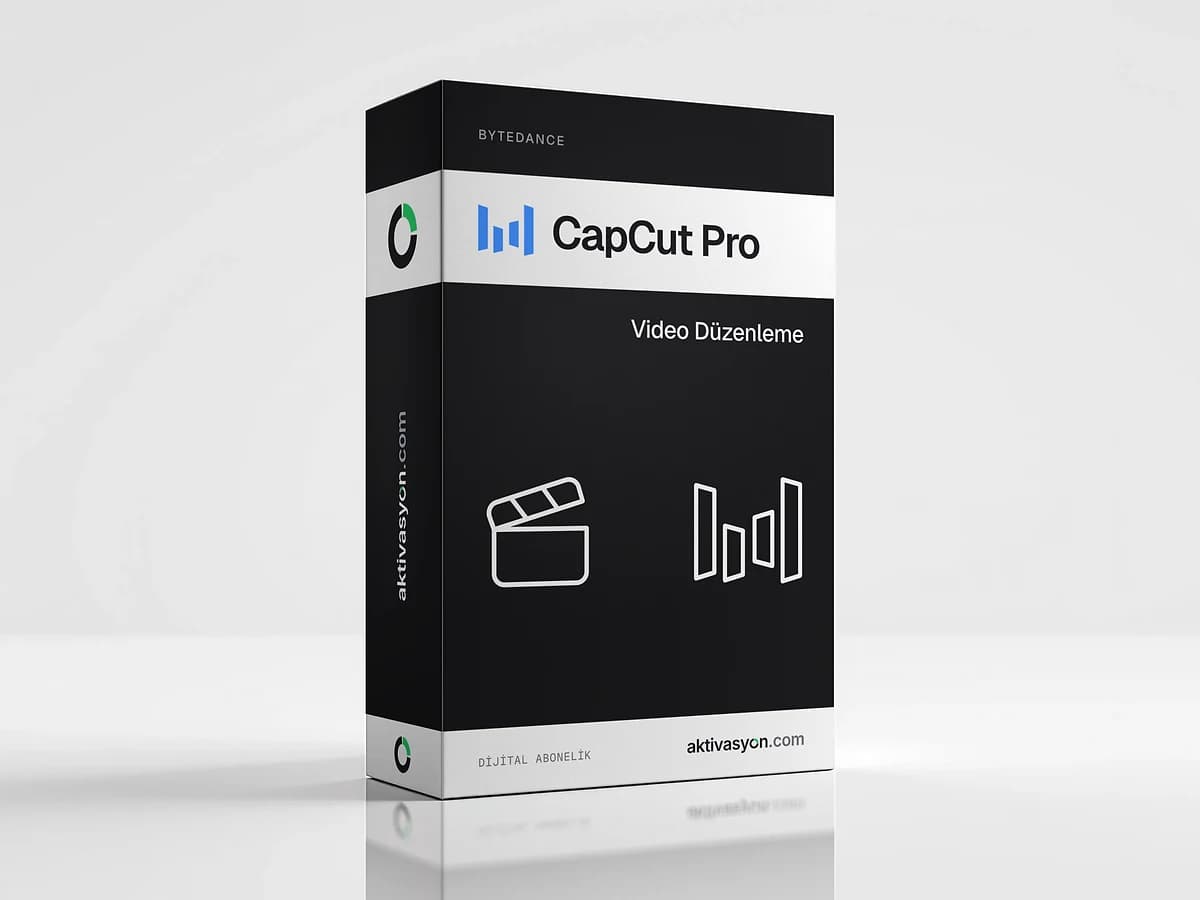
 ByteDance
CapCut Pro
CapCut Pro with watermark-free 4K export, premium templates and AI credits. A one-month account for one person on one device.
Once payment is confirmed, your key or account details are delivered to the order in your account automatically.
- Account details are delivered digitally to your account
- We help if anything goes wrong on first sign-in
- Out of stock
About this license
CapCut Pro is CapCut's paid membership for creators making short videos for TikTok, Instagram Reels and YouTube Shorts. It unlocks templates and tools that are locked in the free version and lets you export without a watermark. This product delivers a CapCut Pro account you can use for one month.
What CapCut Pro includes
- Export at 4K resolution and 60 frames per second
- Watermark-free export for videos that use Pro content
- Premium templates available only to subscribers
- Advanced editing tools and every Pro feature
- A monthly allowance of AI credits
- Extra cloud storage
CapCut runs on the web, on iOS and Android, and as a desktop app for Windows and macOS.
Usage rules
The account is for one person on one device. Sharing the login or signing in with the email and password separately on different devices can get the account closed.
- On your phone: sign in to the CapCut app with the email and password option.
- On a computer: choose Log in with QR code and scan the code with the CapCut app you are signed in to on your phone. Do not type the email and password on the computer.
Access lasts one month. Export your projects before the term ends. Each option shows its delivery type: automatic delivery lands as soon as payment is confirmed, and prepared delivery usually takes 5 to 60 minutes.
Works well with
For more video templates, stock footage and music, look at the Motion Array library. For thumbnails and social graphics, Canva Pro is a good companion. Other editing tools are in the video editing category, and ByteDance products are on the ByteDance brand page.
How to activate
- Install the CapCut app on your phone.
- Choose Log in with email and enter the email and password from your order.
- To use a computer, choose Log in with QR code in the desktop app.
- Scan the QR code on screen with the CapCut app on your phone.
- Keep the account to yourself and to a single device.
Frequently asked questions
Can I use the account on more than one device?
No. The account is for one person on one device. Sharing it or signing in separately on other devices can get it closed.
How do I sign in on a computer?
Choose the QR code login option in the desktop app and scan the code with the CapCut app you are signed in to on your phone.
How is it different from free CapCut?
Pro adds 4K and 60 fps export, watermark-free output for videos with Pro content, premium templates, AI credits and extra cloud storage.
When does the account arrive and how long does it last?
With automatic delivery it arrives as soon as payment is confirmed, and prepared delivery usually takes 5 to 60 minutes. Access lasts one month.
Similar products
 Out of stock
Canva
Canva Pro
$2.99 Out of stock
Autodesk
Autodesk All Apps
$5.99 Out of stock
Figma
Figma Professional
$15.99 Out of stock
Photoroom Pro
$2.99 Out of stock
Adobe
Adobe Express Premium
$2.99 Out of stock
UI8 Design Asset Download
$2.99 Out of stock
Creative Fabrica
$2.99 Out of stock
Adobe
Adobe Stock
$3.99 Out of stock
Freepik
Flaticon Premium
$2.99 Out of stock
Artlist
Motion Array
$2.99