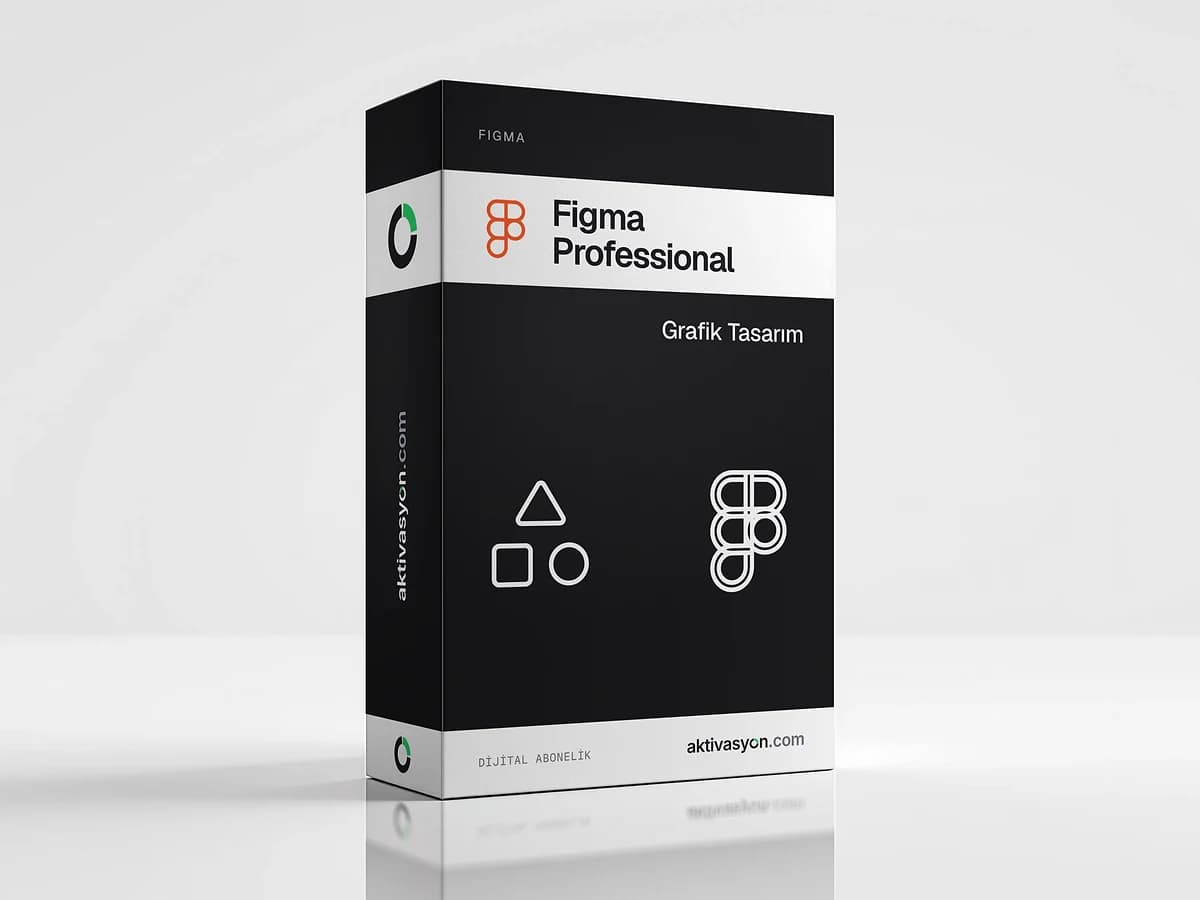
 Figma
Figma Professional
Figma Professional with unlimited files and projects, team libraries and Dev Mode. A personal account you can use for two years.
Once payment is confirmed, your key or account details are delivered to the order in your account automatically.
- Account details are delivered digitally to your account
- We help if anything goes wrong on first sign-in
- Out of stock
About this license
Figma Professional is Figma's paid plan for designers and small teams working on interfaces, prototypes and design systems. It lifts the limits of the free Starter plan for freelancers designing apps, websites or product UIs, and for UI/UX students. This product delivers a personal Figma account you can use for two years.
What the Figma Professional plan includes
- Unlimited files and projects: no more running into the free Starter plan's limits
- Team libraries: share components, colors and text styles across every file
- Advanced Dev Mode inspection and the MCP server: easier handoff of specs, code and assets to developers
- AI credits: a monthly allowance for Figma's AI features
- Figma products such as Figma Design, FigJam, Slides and Figma Make
In Figma, the products and monthly AI credits a plan offers depend on the seat type. A Full seat covers every product, while Dev and Collab seats are more limited. You can see which products are enabled once you sign in.
Who is it for?
If you have hit the free plan's file limit, want to use a design system across several files, or hand designs to developers through Dev Mode, the Professional plan covers it. To start from a ready-made UI kit, see the UI8 design asset download service. For template-heavy work like social graphics, Canva Pro is more practical.
Delivery and use
The account is set up for you and delivered as an email and password. Sign in with these details on Figma's web version or in the Windows and macOS desktop app. Access lasts two years. Since your files live in this account, we recommend keeping .fig backups of important work. Each option shows its delivery type: automatic delivery lands as soon as payment is confirmed, and prepared delivery usually takes 5 to 60 minutes.
More design tools are in the graphic design category and on the Figma brand page.
How to activate
- Click Log in on figma.com or in the Figma desktop app.
- Enter the email and password from your order.
- Check that the team and plan details show Professional.
- Create a new design file or import your existing files.
Frequently asked questions
Is it added to my own Figma account?
No, you receive a separate Figma account set up for you, delivered as an email and password. You can import your existing files into it.
How is it different from the free Starter plan?
Professional gives you unlimited files and projects, team-wide shared libraries and advanced Dev Mode inspection. Starter limits these or leaves them out.
Are Figma Make and the AI features included?
Figma offers these products and the monthly AI credits according to seat type. You can see which ones are enabled after you sign in.
What happens to my files after two years?
Your files are stored in this account. We recommend exporting important files as .fig before the term ends.
When is the account delivered?
With automatic delivery it is added to your order as soon as payment is confirmed. Prepared delivery usually takes 5 to 60 minutes.
Similar products
 Out of stock
Canva
Canva Pro
$2.99 Out of stock
Photoroom Pro
$2.99 Out of stock
Adobe
Adobe Express Premium
$2.99 Out of stock
Autodesk
Autodesk All Apps
$5.99 Out of stock
ByteDance
CapCut Pro
$4.99 Out of stock
UI8 Design Asset Download
$2.99 Out of stock
Creative Fabrica
$2.99 Out of stock
Adobe
Adobe Stock
$3.99 Out of stock
Freepik
Flaticon Premium
$2.99 Out of stock
Artlist
Motion Array
$2.99