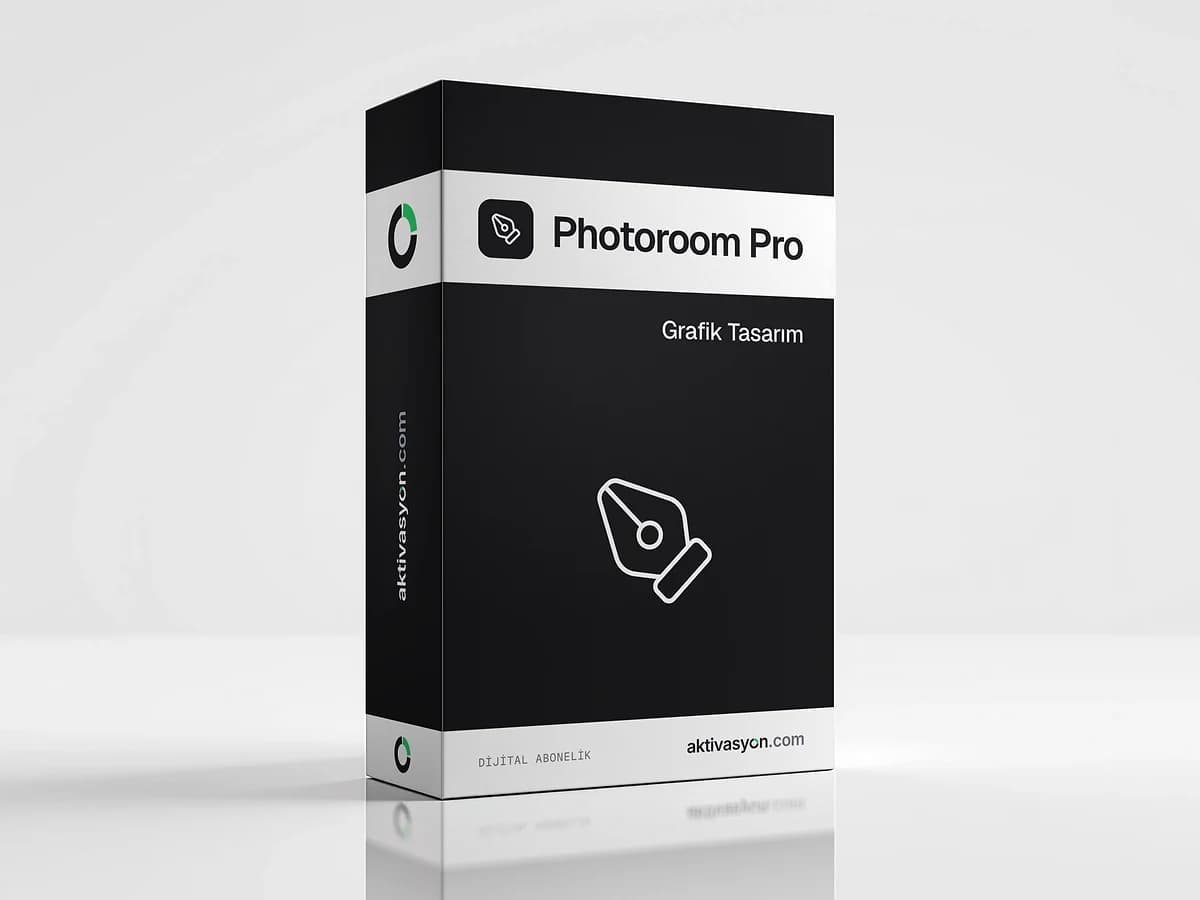
Photoroom Pro
AI background removal, new backgrounds and shadows for product photos. A personal Photoroom Pro account for seven days.
This product is prepared for your order and is usually delivered within 5-60 minutes. We email you when it is ready.
- Account details are delivered digitally to your account
- We help if anything goes wrong on first sign-in
- Out of stock
About this license
Photoroom Pro is an AI-powered photo editor that turns product shots into catalog-ready images in a few taps. It speeds up the jobs that online store owners, marketplace sellers and anyone listing second-hand items do most often. This product delivers a personal account you can use for seven days.
What you can do with Photoroom Pro
- Background removal: cleanly cuts the product or person out of the photo
- AI backgrounds: creates a background for your product from a text prompt or ready-made scenes
- AI shadows: shadow presets that make the product sit naturally on the surface
- Expand and resize: adapts an image to the sizes different marketplaces need, using AI
- Brand kit: reuses your logo, colors and fonts across designs
Photoroom works on iPhone, iPad, Android and the web.
Who is seven days for?
Short-term access suits shooting and editing a new product line in one go, or refreshing all the images in your marketplace store at once. For ongoing design work, a longer Canva Pro or Adobe Express Premium plan may make more sense.
Delivery and use
The account is set up for you and delivered as an email and password. Sign in with these details in the Photoroom app or on the web. Access lasts seven days, so it pays to have your photos ready before you start. Save your edited images to your device before the term ends. Each option shows its delivery type: automatic delivery lands as soon as payment is confirmed, and prepared delivery usually takes 5 to 60 minutes.
More photo and design tools are in the graphic design category.
How to activate
- Download the Photoroom app or open the web version.
- Sign in with the email and password in your order.
- Upload a photo and let the background be removed automatically.
- Edit it with AI backgrounds, shadows or resize tools.
- Export your images and save them to your device before the seven days are up.
Frequently asked questions
Is the account just for me?
Yes, the account is set up for you and delivered to you alone as an email and password.
How do I make the most of the seven days?
Access lasts seven days. We recommend starting soon after delivery and having your photos ready in advance.
Can I use it on my phone and computer?
Photoroom runs on iPhone, iPad, Android and the web. You sign in with the same account details on each.
What happens to my edits when the term ends?
Images you saved to your device stay with you. We recommend exporting all your work before the term ends.
Similar products
 Out of stock
Canva
Canva Pro
$2.99 Out of stock
Figma
Figma Professional
$15.99 Out of stock
Adobe
Adobe Express Premium
$2.99 Out of stock
Autodesk
Autodesk All Apps
$5.99 Out of stock
ByteDance
CapCut Pro
$4.99 Out of stock
UI8 Design Asset Download
$2.99 Out of stock
Creative Fabrica
$2.99 Out of stock
Adobe
Adobe Stock
$3.99 Out of stock
Freepik
Flaticon Premium
$2.99 Out of stock
Artlist
Motion Array
$2.99