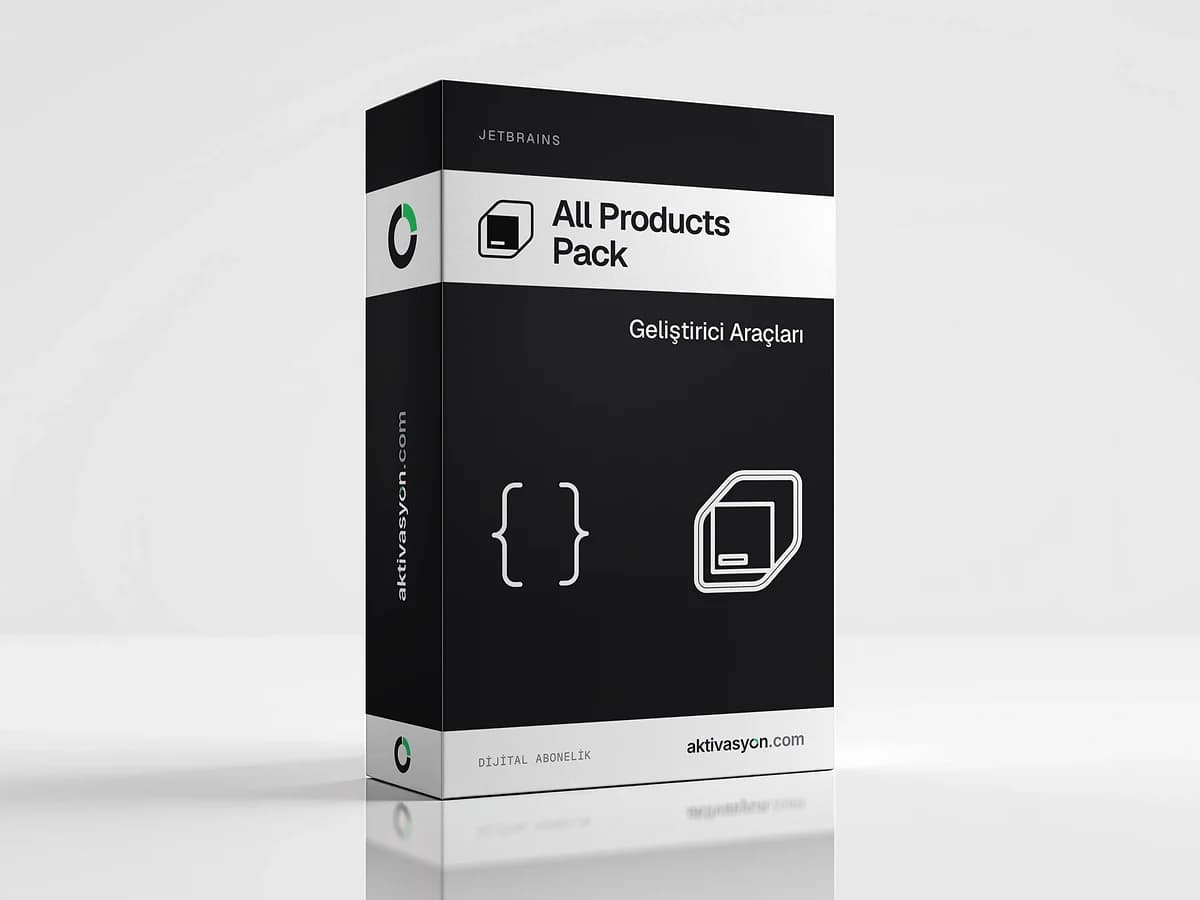
 JetBrains
 All Products Pack
Ten JetBrains IDEs including IntelliJ IDEA, PyCharm, WebStorm and Rider, plus ReSharper and profilers in one subscription. Shared or personal, one year.
Once payment is confirmed, your key or account details are delivered to the order in your account automatically.
- Account details are delivered digitally to your account
- We help if anything goes wrong on first sign-in
- Out of stock
About this license
JetBrains All Products Pack bundles every JetBrains desktop development tool into one subscription. For developers who work across several languages, agency teams and students, it is the way to get every tool without buying each IDE on its own.
What the pack includes
10 IDEs
- IntelliJ IDEA for Java and Kotlin
- PyCharm for Python
- WebStorm for JavaScript and TypeScript
- PhpStorm for PHP
- Rider for .NET and game development
- CLion for C and C++
- GoLand for Go
- RustRover for Rust
- RubyMine for Ruby and Rails
- DataGrip for databases and SQL
Extensions and profilers
- ReSharper and ReSharper C++ for Visual Studio
- dotCover for code coverage
- dotTrace and dotMemory for performance and memory profiling
The pack also covers Air, JetBrains' AI tool, and recurring JetBrains AI credits.
Shared or personal account?
The shared account is used by other people as well. Do not change the password or any other account setting. AI credits may run out faster because others use them too.
The personal account is set up for you and delivered as an email and password. Your settings, licenses and AI usage are yours alone. We recommend it for long-running projects.
If you also want a chat-based assistant while you code, ChatGPT Plus pairs well with it.
Delivery and use
The term is one year. The account details are delivered digitally to the order in your account. Each option shows its delivery type: automatic delivery lands once payment is confirmed, and prepared delivery usually takes 5 to 60 minutes. The easiest way to activate is to sign in to the JetBrains Toolbox App with this account, which then activates licenses for the IDEs you install.
See the developer tools category and the JetBrains brand page for more.
How to activate
- Download and install the JetBrains Toolbox App from the official site.
- In Toolbox, choose Log in and sign in with the JetBrains account from your order.
- Install the IDEs you need from the Toolbox list.
- If an IDE asks for a license on launch, choose Log in to JetBrains Account and use the same account.
- On the shared account, leave the password and account settings unchanged.
Frequently asked questions
Which tools are in the All Products Pack?
It covers the IntelliJ IDEA, PyCharm, WebStorm, PhpStorm, Rider, CLion, GoLand, RustRover, RubyMine and DataGrip IDEs, the ReSharper, ReSharper C++ and dotCover extensions, and the dotTrace and dotMemory profilers.
What should I watch for on the shared account?
Do not change the password or any other account setting. Because the account is shared, AI credits are used up by everyone on it.
How many computers can I use it on?
You can sign in with the same account on your Windows, macOS and Linux machines. On the shared account, sign in only for your own use.
How do I activate the license?
Sign in to the JetBrains Toolbox App with the account and it activates licenses for the IDEs you install. You can also use Log in to JetBrains Account inside the IDE.
When does the term start?
Access lasts one year and starts when the account is delivered. With the personal account, sign in on the day you receive it.
Similar products
 Out of stock
Microsoft
Windows Server 2025
$19.99 Out of stock
Microsoft
Windows Server 2012 R2
$13.99 Out of stock
Microsoft
Windows Server 2016
$13.99 Out of stock
Microsoft
Windows Server 2019
$14.99 Out of stock
Microsoft
Windows Server 2022
$15.99 Out of stock
Google
Google Gemini Pro
$2.99 Out of stock
OpenAI
ChatGPT Plus
$2.99 Out of stock
Canva
Canva Pro
$2.99 Out of stock
Kaspersky
Kaspersky Premium
$5.99 Out of stock
Microsoft
Microsoft 365
$2.99