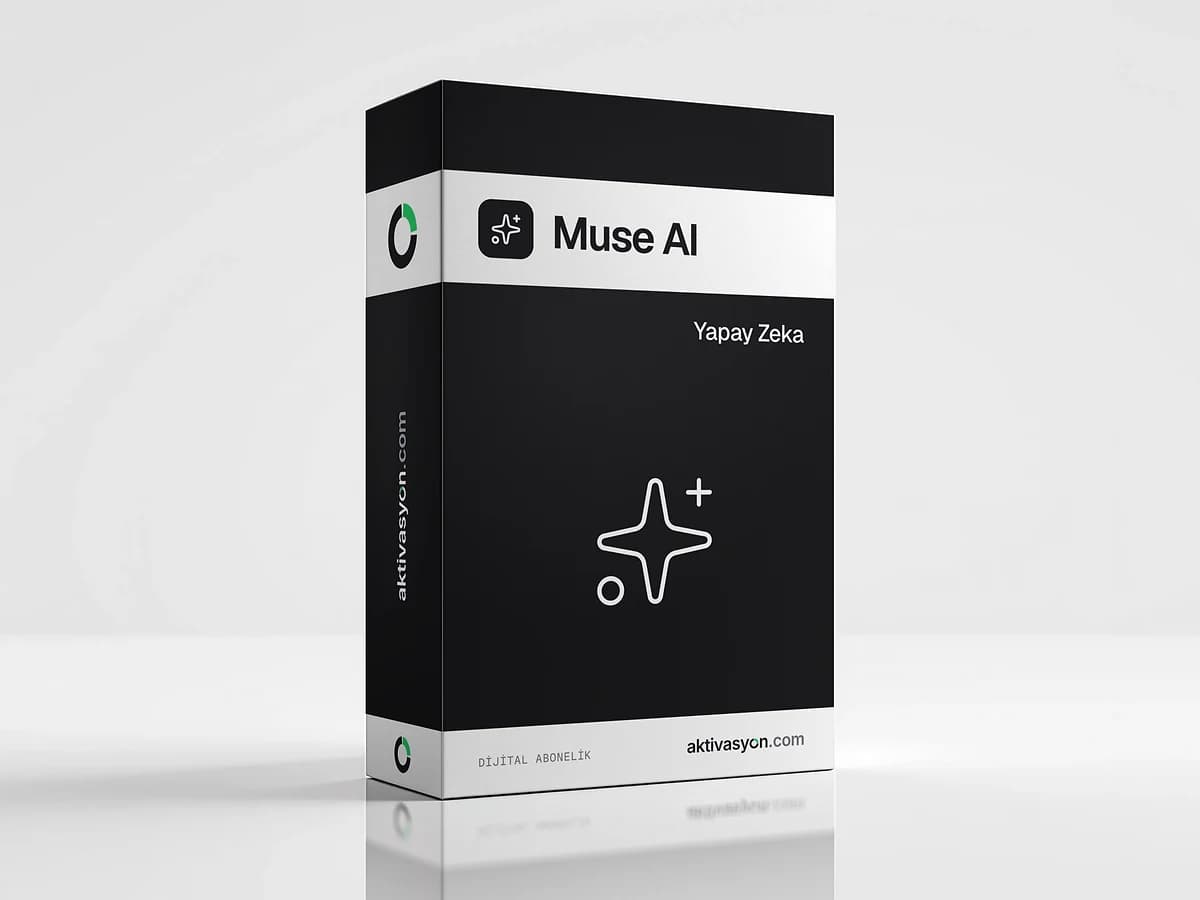
Muse AI
An account for Muse, Meta's personal AI agent, loaded with 1 billion tokens. Email code sign-in and one month of use.
This product is prepared for your order and is usually delivered within 5-60 minutes. We email you when it is ready.
- Account details are delivered digitally to your account
- We help if anything goes wrong on first sign-in
- Out of stock
About this license
Muse AI is an account for Muse, the personal AI agent Meta introduced in September 2026. Muse does more than answer questions. It works through the task you give it step by step, using its own browser. It suits people who want to try an AI agent and hand off longer research and planning work.
What Muse does
- Takes on tasks: Describe a goal or a job and Muse builds a plan, then moves the work forward on its own.
- Uses its own browser: It opens web pages, fills in forms and does research.
- Keeps going when the app is closed: Longer jobs run in the background, and Muse comes back when something changes or it needs approval.
- Asks before sensitive steps: It checks with you before actions such as sending an email or making a purchase, and keeps a record of everything it does.
- Remembers: It uses what it learns in conversations for later tasks, and you can tell it to forget specific things.
Meta says Muse runs on its Muse Spark model inside a dedicated virtual machine for each person, called Muse Secure VM.
Good to know
This product is an account delivered to you. It is not added to your own Meta account. For that reason, do not connect your personal mailbox, payment methods or passwords for your other accounts to Muse. Use it for research, planning, writing and web tasks. Meta first rolled Muse out in the US on iOS, Android and the web, so some features may behave differently by region.
If you want a chat and writing assistant instead, ChatGPT Plus or Google Gemini Pro may be a better fit.
Delivery and use
You receive an email address for sign-in. On the Muse website (muse.ai) you enter that address and sign in with the one-time code sent to it. The delivery note explains how to get the code. The account holds 1 billion tokens, and you can see the balance under Settings. The option covers one month of use. Each option shows its delivery type: automatic delivery lands once payment is confirmed, and prepared delivery usually takes 5 to 60 minutes.
Browse the AI tools category for other assistants.
How to activate
- Open the Muse website (muse.ai) in your browser and choose Log in.
- Enter the email address from your order and click Continue.
- Get the one-time code sent to that address as described in the delivery note and enter it.
- Check the token balance under Settings.
- Give Muse your task without connecting personal email, payment methods or passwords.
Frequently asked questions
What is Muse AI?
Muse is Meta's personal AI agent. It carries out your tasks with its own browser, does research, builds plans and asks for approval before sensitive steps.
How do I sign in?
Enter the email address you receive on the Muse website and sign in with the one-time code sent to it. The delivery note explains how to get the code.
Where can I see the 1 billion tokens?
After you sign in, the account token balance shows under Settings.
Can I connect my own email and card to Muse?
We advise against it. Because this is an account delivered to you, keep your personal mailbox, payment methods and other passwords out of it.
How long does access last?
The option covers one month of use, starting when the account is delivered.
Similar products
 Out of stock
Google
Google Gemini Pro
$2.99 Out of stock
OpenAI
ChatGPT Plus
$2.99 Out of stock
QuillBot
QuillBot Premium
$10.99 Out of stock
OpenAI
ChatGPT Edu
$15.99 Out of stock
OpenAI
ChatGPT Go
$8.99 Out of stock
BuzzSumo
$2.99 Out of stock
SEOptimer
$2.99 Out of stock
Ubersuggest
$2.99 Out of stock
Seobility Premium
$2.99 Out of stock
Screaming Frog SEO Spider
$5.99