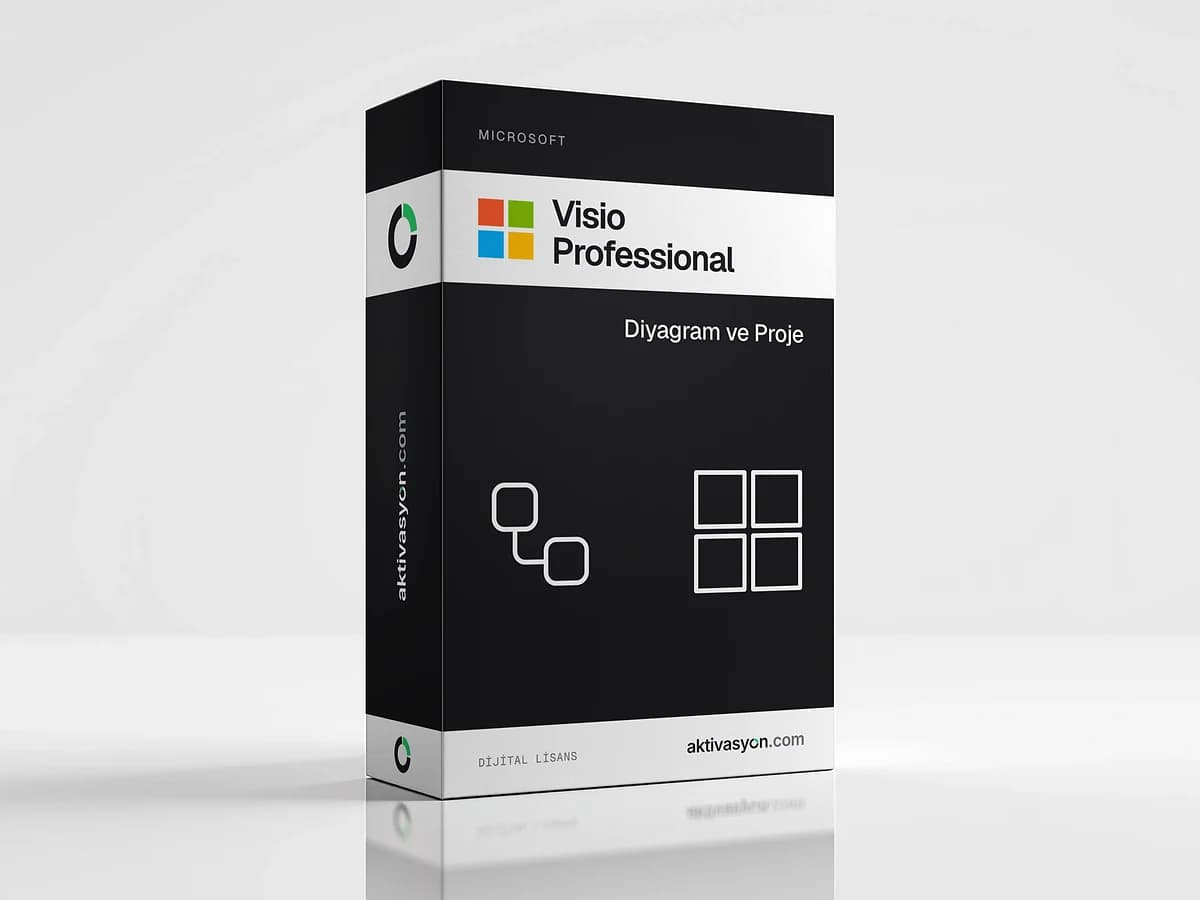
 Microsoft
Visio Professional
Visio Professional for flowcharts, network, floor plan and org diagrams. 2016, 2019 and 2021 versions, one PC, perpetual license.
This product is prepared for your order and is usually delivered within 5-60 minutes. We email you when it is ready.
- The product key is delivered digitally to your account
- Activates on the official activation servers
- Out of stock
About this license
Visio Professional is Microsoft's desktop diagramming app for flowcharts, org charts, network diagrams, floor plans and business process maps. Ready-made templates and thousands of shapes let you build professional-looking drawings quickly.
Key features
- Template and shape libraries for flowcharts, org charts, networks and floor plans
- Data-linked diagrams that connect shapes to Excel, Access, SQL Server or SharePoint data and refresh from it
- Data graphics that show status, values and icons on shapes
- Standards-based drawing with BPMN 2.0 and UML 2.5 templates
- Collaboration with comments and sharing so the team can review diagrams
Compared with Standard, the Professional edition adds data connections, more templates and collaboration features.
Which version should I choose?
- Visio 2021: the most recent option for Windows 10 and 11. Microsoft ended Visio 2021 support in October 2026.
- Visio 2019: for PCs that run Office 2019. Support ended in October 2025.
- Visio 2016: for older systems and Office 2016. Support ended in October 2025.
Install Visio in the same bitness (32-bit or 64-bit) as the Office already on your PC. For an Office license see Office 2024 or Office 2021.
License and delivery
It is a perpetual license with no subscription, for one Windows PC. The key is prepared for your order and sent to your inbox, usually within 5 to 60 minutes. Use the key within 24 hours of delivery.
Project and diagramming tools are in the Visio and Project category.
How to activate
- Uninstall any older Visio version. If Office is installed, pick the same bitness (32-bit or 64-bit).
- Install the version you bought with the setup file linked in your delivery note.
- Open Visio and enter the product key from your order in the activation window.
- If online activation fails, choose telephone activation and follow the steps on screen.
- Check that File → Account shows "Product Activated".
Frequently asked questions
What is the difference between Visio Professional and Standard?
Professional adds linking shapes to Excel or SQL Server data, extra templates such as BPMN and UML, and collaboration features on top of Standard.
Can Visio be installed alongside Office?
Yes. Install Visio in the same bitness (32-bit or 64-bit) as your Office. Different bitness versions cannot be installed together on one PC.
Does Visio run on a Mac?
No. The Visio Professional desktop app is available for Windows only.
Which version still gets updates?
Microsoft ended support for Visio 2016 and 2019 in October 2025 and for Visio 2021 in October 2026. The apps keep working but no longer get new security updates.
When does the key arrive and how soon should I use it?
With automatic delivery it is delivered digitally to your order as soon as payment is confirmed. Prepared delivery usually takes 5 to 60 minutes. Activate the key within 24 hours of delivery.
Similar products
 Out of stock
Microsoft
Microsoft 365
$2.99 Out of stock
Microsoft
Office 2021
$2.99 Out of stock
Microsoft
Office 2024
$2.99 Out of stock
Microsoft
Office 2016
$2.99 Out of stock
Microsoft
Office 2019
$2.99 Out of stock
Google
Google Gemini Pro
$2.99 Out of stock
OpenAI
ChatGPT Plus
$2.99 Out of stock
Canva
Canva Pro
$2.99 Out of stock
Kaspersky
Kaspersky Premium
$5.99 Out of stock
Microsoft
Windows Server 2025
$19.99