 Microsoft
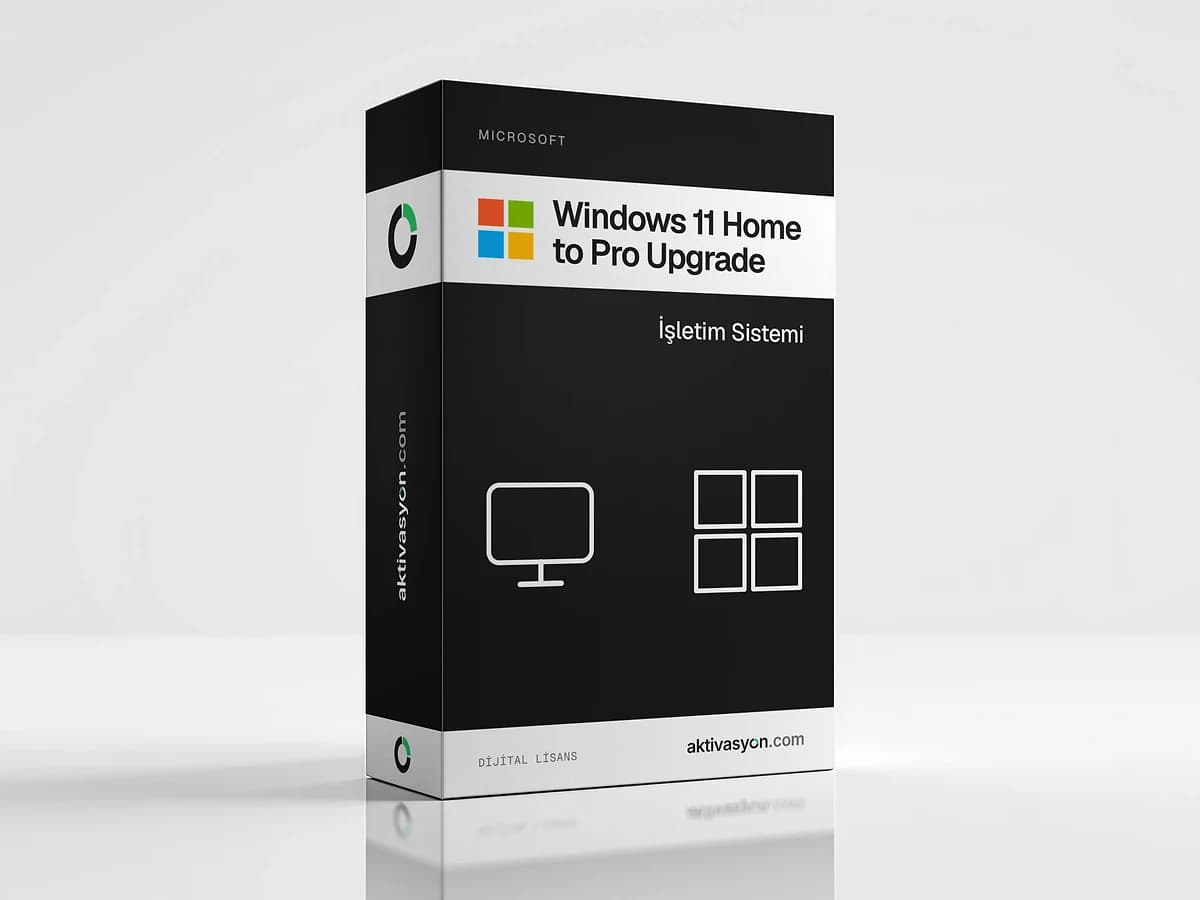
Windows 11 Home to Pro Upgrade
An edition upgrade key that moves an installed Windows 11 or 10 Home to Pro without reinstalling. Pro activation is a separate step.
Once payment is confirmed, your key or account details are delivered to the order in your account automatically.
- The product key is delivered digitally to your account
- Activates on the official activation servers
- Out of stock
About this license
The Windows 11 Home to Pro upgrade key switches the Windows 11 or Windows 10 Home installation on your PC to Pro without touching your files, apps or settings. There is no reinstall, the change finishes with a single restart.
What the key does and does not do
- It does switch the edition from Home to Pro. After the upgrade, Pro features such as BitLocker, Remote Desktop, Hyper-V, Windows Sandbox and Group Policy show up on your PC.
- It does not activate Pro. To keep Windows activated after the upgrade, you need to activate it with a Windows 11 Pro license key.
So this product is for people who want to run the edition upgrade themselves and activate a Pro license separately. If you are doing a clean install anyway, installing Pro and using a Pro key is the shorter route.
Who is it for?
- People who bought a laptop or desktop with Home preinstalled and now need Pro features
- Anyone who would rather skip backing up and reinstalling
- Users who want to reach their PC remotely with Remote Desktop
Delivery and use
The key is delivered digitally to the order in your account and is for one PC. Each option shows its delivery type, and automatic delivery lands as soon as payment is confirmed. Use the key within 12 hours of delivery. We recommend backing up important files before the upgrade.
See other editions in the Windows 11 category or on the Windows 11 Home page.
How to activate
- Back up important files and make sure your PC is online.
- Open Settings → System → Activation.
- Under Upgrade your edition of Windows, click Change product key and enter the key from your order.
- When the upgrade finishes, the PC restarts and the edition shows as Windows 11 Pro.
- On the same screen, use Change product key to enter your Windows 11 Pro license key and activate Pro.
Frequently asked questions
Will Windows be activated after the upgrade?
No. This key only switches the edition from Home to Pro and does not activate a Pro license. You need a separate Windows 11 Pro license key for activation.
Will my files and apps be deleted?
No, the upgrade happens in place and keeps your files, apps and settings. We still recommend a backup before you start.
I use Windows 10 Home. Does it work?
Yes, it moves a Windows 10 Home installation to Windows 10 Pro. Windows 10 support ended on October 14, 2025, so we recommend moving to Windows 11.
Can I use it for a clean install?
No, this key is for upgrading an existing Home installation. For a clean install, install Windows 11 Pro directly and activate it with a Pro license key.
When does the key arrive and how soon should I use it?
With automatic delivery it is delivered digitally to your order as soon as payment is confirmed. Prepared delivery usually takes 5 to 60 minutes. Activate the key within 12 hours of delivery.
Similar products
 Out of stock
Microsoft
Windows 11 Home
$2.99 Out of stock
Microsoft
Windows 11 Pro
$2.99 Out of stock
Microsoft
Windows 11 Enterprise
$3.99 Out of stock
Microsoft
Windows 7 Professional
$9.99 Out of stock
Google
Google Gemini Pro
$2.99 Out of stock
OpenAI
ChatGPT Plus
$2.99 Out of stock
Canva
Canva Pro
$2.99 Out of stock
Kaspersky
Kaspersky Premium
$5.99 Out of stock
Microsoft
Microsoft 365
$2.99 Out of stock
Microsoft
Office 2021
$2.99